Session Replay
Session Replay allows you to visualize a lightweight representation of a session as the user experienced, along with the correlated timeline entries.
You can toggle the Session Replay side panel at any time by clicking on the mobile device icon on the upper right corner of the Timeline.
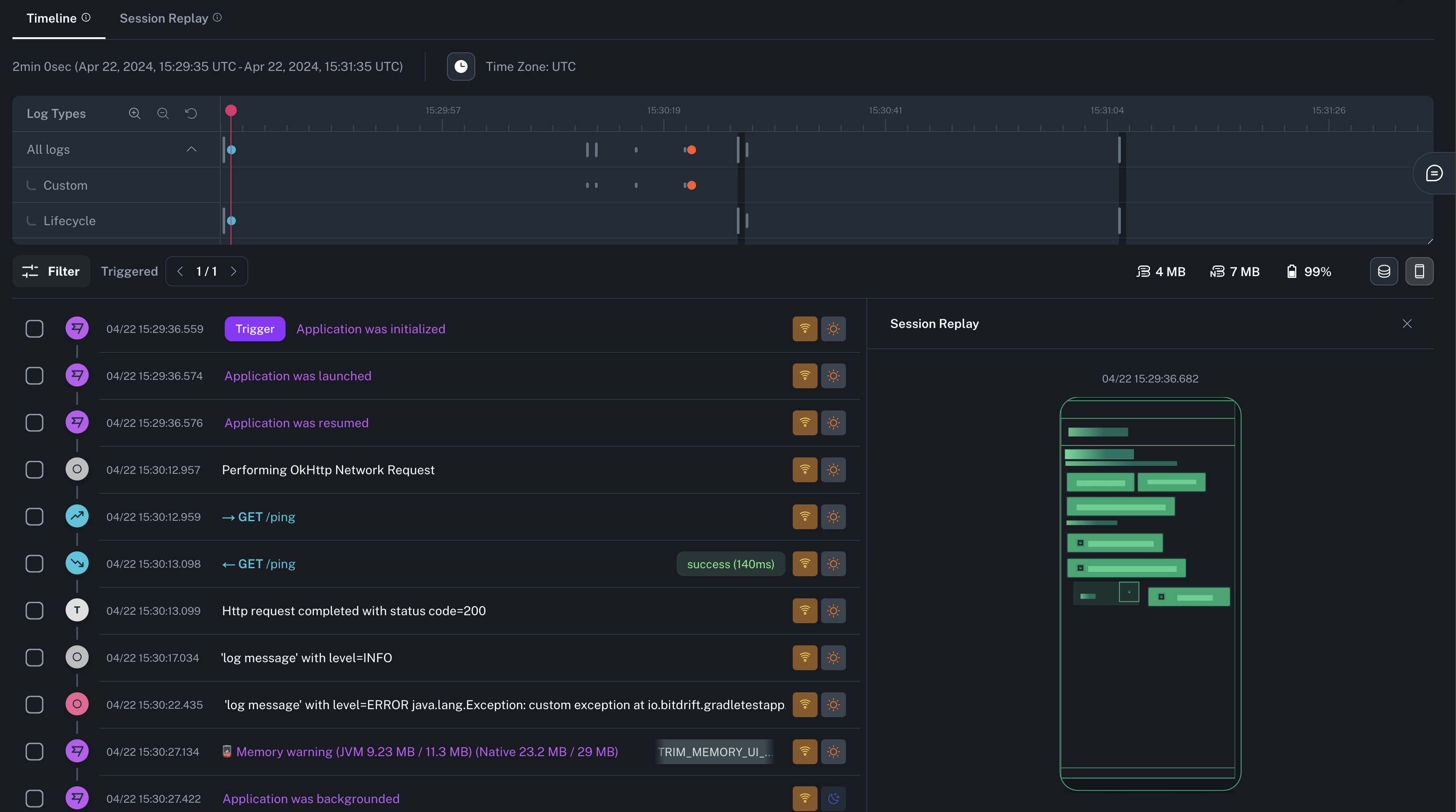
Playback and 3D view
You can access a full screen mode of Session Replay by clicking on the tab on top of the Minimap. This will allow you to play a video-like reproduction of the screen changes. Clicking the 3D icon on the right will allow you to see and control all the layers of the screen's layout.
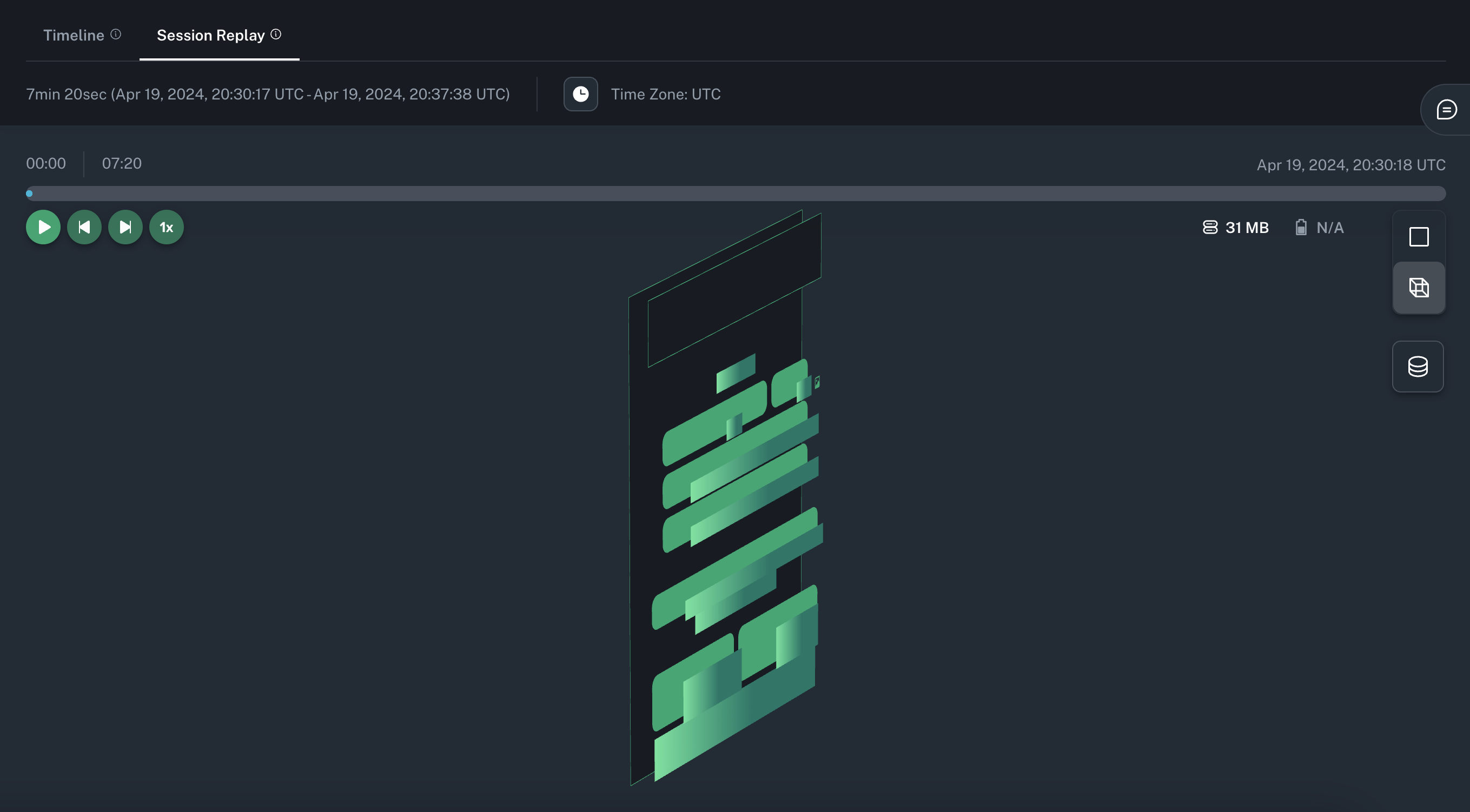
Info
See the SDK Session Replay section for information about how to configure this feature.