Notification Groups
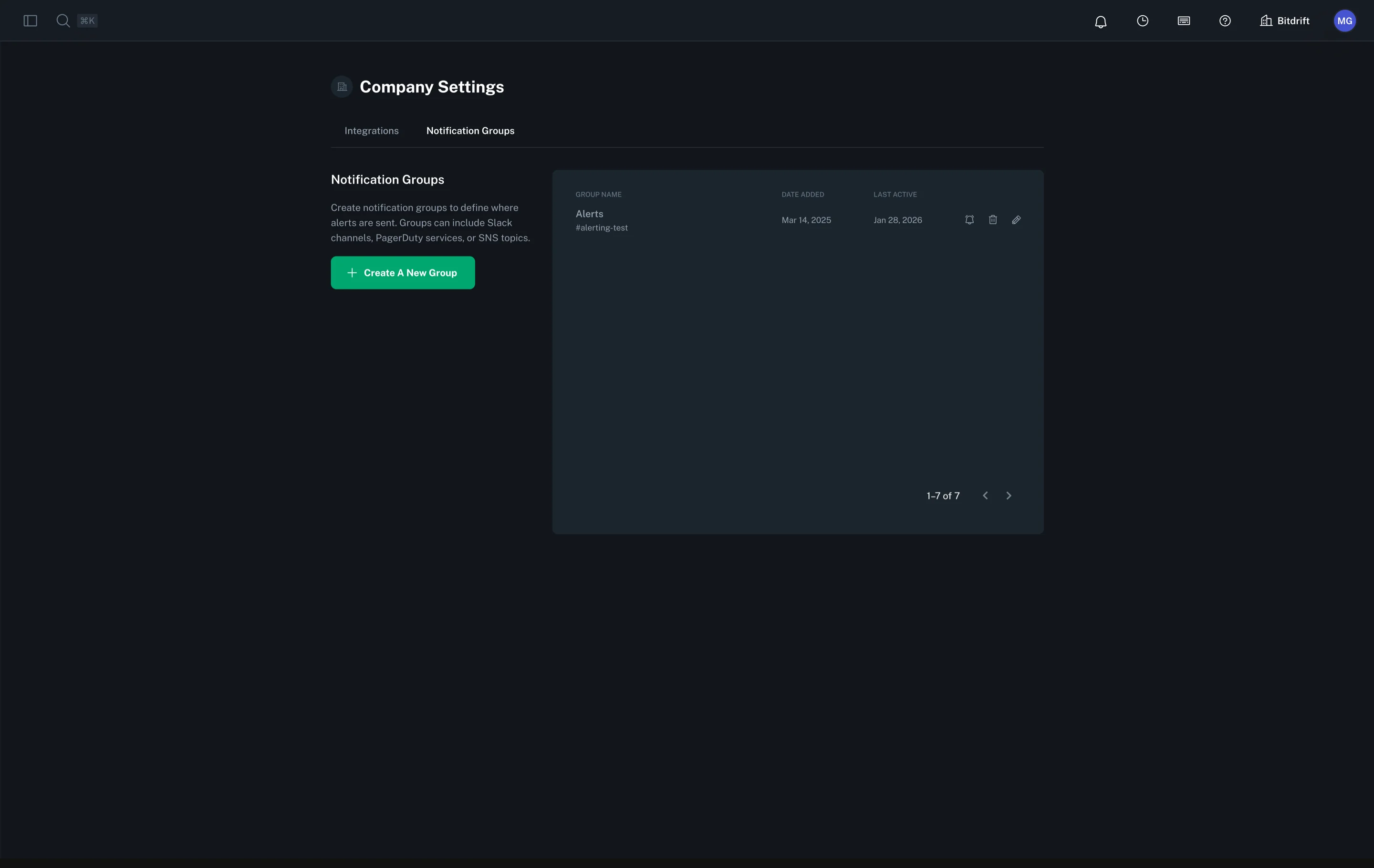
Manage notification groups from Company Settings. A notification group represents one or more delivery targets for alerts and can mix different target types. Bitdrift supports Slack channels, PagerDuty services, and AWS SNS topics. You may include any combination (e.g. a single group that posts to Slack channels, triggers a PagerDuty incident, and publishes to an SNS topic).
Adding Slack Targets
To include Slack delivery you must first install the bitdrift Slack app and add it to the channels you want to target. When creating or editing a notification group, select one or more Slack channels to append them to the group. You can combine these with PagerDuty targets in the same group.
Adding PagerDuty Targets
Add PagerDuty delivery by supplying a Routing Key from a PagerDuty service. A group may contain multiple Pager Duty targets alongside Slack channels. Use separate targets when you need different services.
Steps (PagerDuty target addition):
- In the Create A New Group form: select Pager Duty → paste Routing Key → click the add button.
Adding SNS Topic Targets
Add AWS SNS delivery by supplying the ARN of your SNS topic. A notification group may contain multiple SNS topic targets alongside Slack channels and PagerDuty services.
Note: SNS Topic notifications are available on Enterprise plans.
Steps (SNS Topic target addition):
- In the Create A New Group form: select SNS Topic → paste the full ARN (e.g.,
arn:aws:sns:us-east-1:123456789012:my-topic) → click the add button. - Configure the required IAM policy on your SNS topic to allow bitdrift to publish messages. The UI displays the policy in JSON, Terraform, and CloudFormation formats.