Alerts and Notifications
Alerts monitor for issue patterns over time and fire when conditions are met, while Notifications trigger instantly when specific events occur, like a new issue group being detected or a specific issue recurring. Both can be configured to connect to external channels, such as Slack or PagerDuty.
Alerts
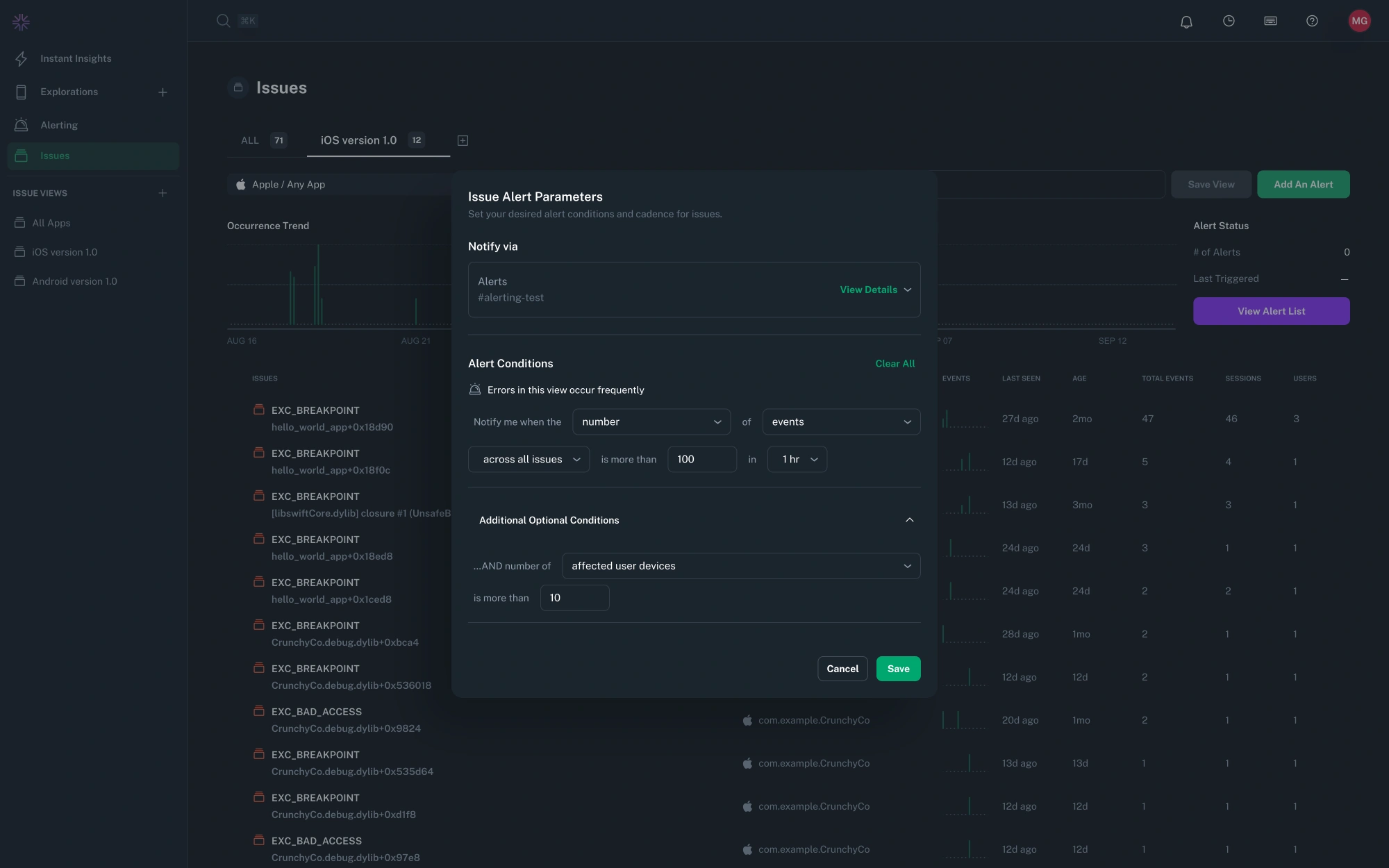
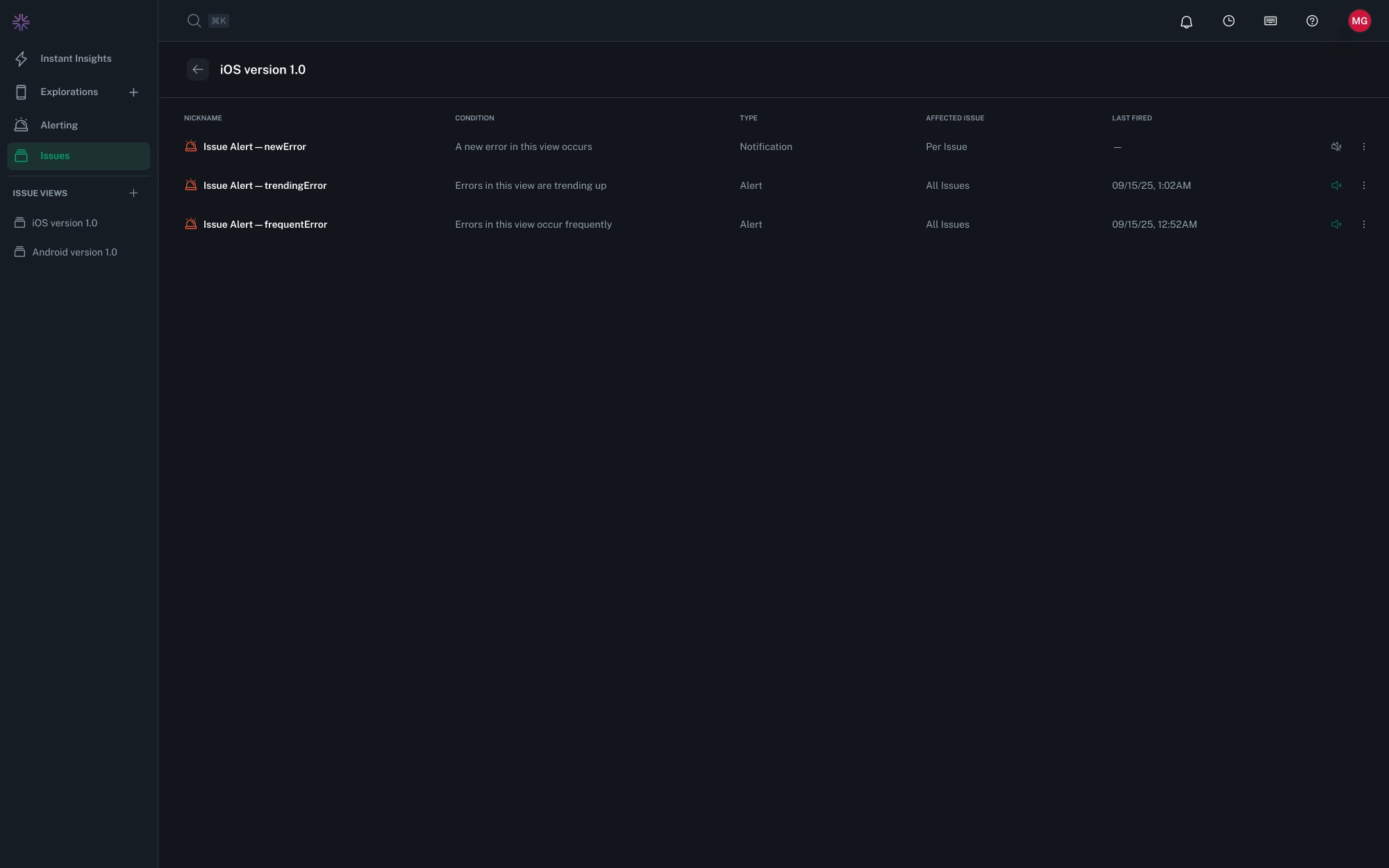
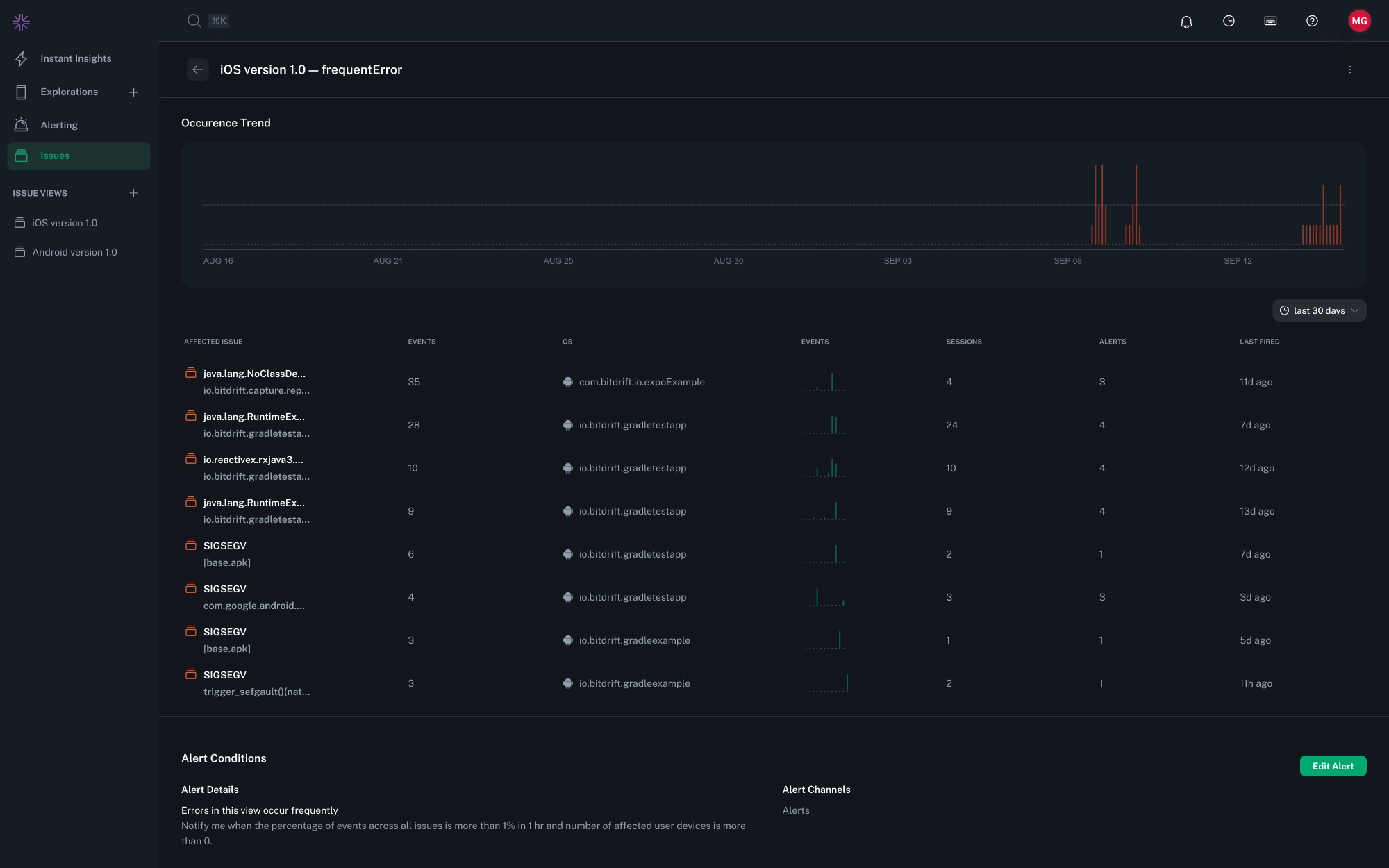
Alerts are associated with a specific Saved View. Each view can have as many alert configurations as needed. Use Alerts to track patterns by frequency or trends in the number impacted users, sessions, or events, or by specific thresholds for a duration:
- Frequency-based monitors fire when issues received exceed a defined threshold within a set time window.
- Trend-based monitors fire when the rate at which issues are received increases compared to a prior time period.
Percent-Based Alerts
Some alert conditions permit activation based on the percentages of affected sessions or user devices rather than absolute counts.
The percentage is calculated using the gross total of sessions or user devices observed in the selected time window for the given app identifier. This calculation does not account for additional filters applied in the View. Percentages therefore reflect app-wide impact, and may differ from filtered counts shown elsewhere.
Notifications
Notifications are associated with a specific Saved View. Each View can have at most one of each notification type. Use Notifications provide immediate visibility to detected issues:
- "New Error" configurations fire when a previously unseen issue is detected, creating a new group.
- "Every Error" configurations fire for each occurrence of an issue, to assist in investigating rare but severe issues.